Please see the following instructions to share the delegate access to the Google Domain account.
Step 1:
Sign in to Google Domains.
Step 2:
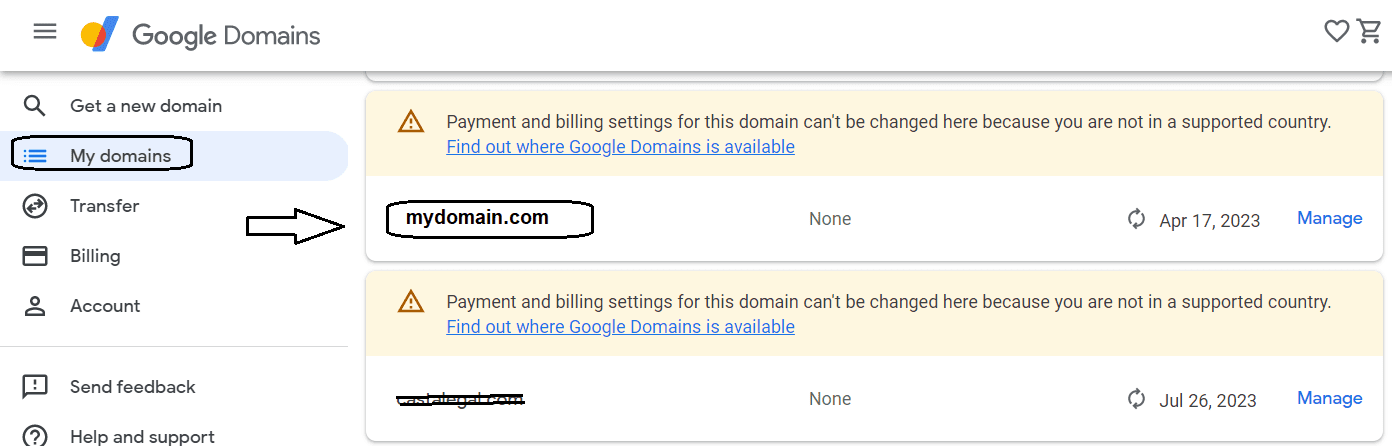
Select the name of your domain.
Step 3:
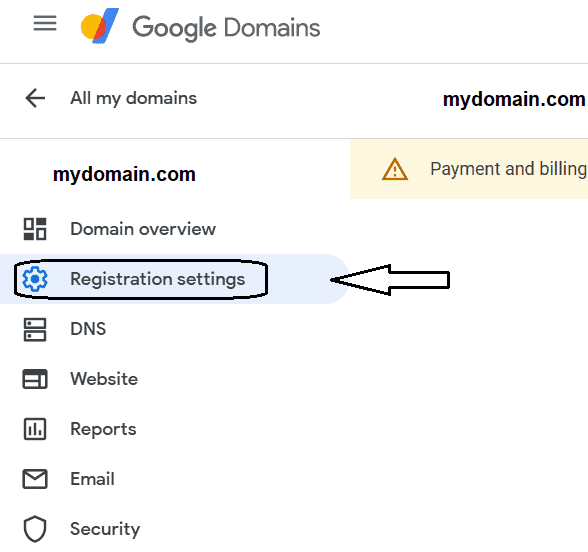
Click Registration settings.
Step 4:
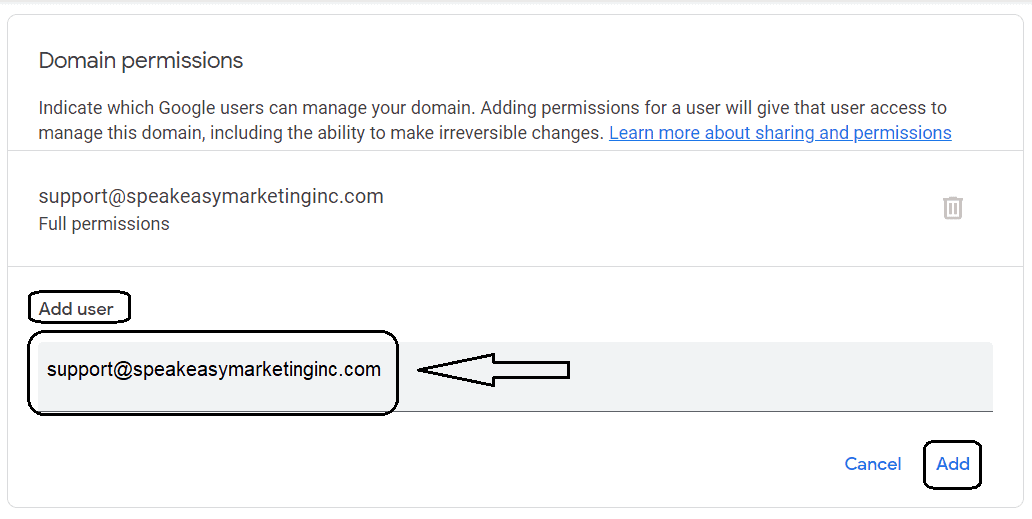
Under “Domain permissions,” click Add user.
Add the email address support@speakeasymarketinginc.com to share the domain and click Add.
Note:
You can give other people the ability to manage your domain. Each new person has full access to:
- Manage Registration: Renew, add years of registration, cancel or start auto-renew, delete the domain, and add or delete people.
- Manage Web Presence: Manage settings for any websites, extra email addresses, or Google Workspace accounts.
- Manage DNS Settings: Add, edit, and delete any resource records or name servers, and turn DNS security extensions on or off.
Tip:
- When you share a domain, it doesn’t change the ownership of the domain.
- You can’t restrict a person’s permissions to specific functions. Each person has full admin access to the domain.